Automated transcribing software has revolutionized how many within the digital publishing sector transcribe audio and video content, increasing the process’ speed, efficiency and accuracy.
While automated transcription services are relatively new, enabled by the development of automatic speech recognition software, they have quickly made their mark. Almost 16% of the media and entertainment industry use transcription software at least once a month, with that number climbing to 22.5% for teh market research segment.
The adoption of these technologies is a purely practical one — what humans can do in hours, software can accomplish in a matter of minutes.
Transcriptions offer several different benefits, from allowing publishers to share written records of interviews or meetings to increasing the accessibility of audio and video content. Let’s have a look at some of these advantages in a little more depth before we explore which services have made it onto our list of the 15 best transcription software for 2024.
Benefits of Using Transcription Software Programs
Enhanced Search
One of text’s biggest advantages over audio is the user’s ability to search for a key term and navigate through a document at a press of a button.
Ctrl+F is one of the most efficient tools at a user’s disposal and using it to find important terms during a press conference, interview or meeting could save time better spent elsewhere.
Increase Shareability
Transcribing audio files into text allows them to be more easily shared across team members either through emails or the cloud. Text files are significantly smaller in size than audio files.
Multilingual Workspaces
Many transcription services can transcribe multiple languages and then translate them. This makes transcribing software a useful tool for communicating across international branches or for recording and transcribing international press conferences or speeches.
Accessibility
Transcriptions can improve information accessibility for staff with a hearing disability, while transcription software that provides real-time transcription for meetings and conferences can be invaluable.
How to Choose the Best Transcription Software
There are a few different core features and factors to consider when deciding which transcription software will work best for your company.
Accuracy
This boils down to how accurate the software is at recording what’s being said. Inaccurate software can cause confusion further down the pipeline, ultimately reducing any potential productivity gains.
Turnaround Rate
How fast does the software transcribe the audio? This can be an important factor in high-volume workplaces such as news sites.
Language Support
Whether or not a software supports a particular language may be a deciding factor for multilingual or non-English speaking publications. Very few transcription tools include languages with non-Latin script, which can hurt organizations based in Asia or the Middle-East.
Custom Glossaries
In highly technical fields, it can be important for transcriptions to accurately transcribe highly complex words. Take, for example, a compounding pharmacy mixing compounds to create drugs; it would be highly important that each chemical is accurately transcribed. Custom glossaries ensure that technical terms are reflected accurately in the transcription.
Cost
Many of the transcription services on our list below have adopted different pricing schemes. It is important to consider if the transcriptions are pay-as-you-use or incur a monthly subscription.
Armed with the software’s various benefits, as well as an understanding of what features to consider when selecting a service, let’s explore the 15 transcription services we believe are at the top of their game.
What Is the Most Accurate Transcription Software?
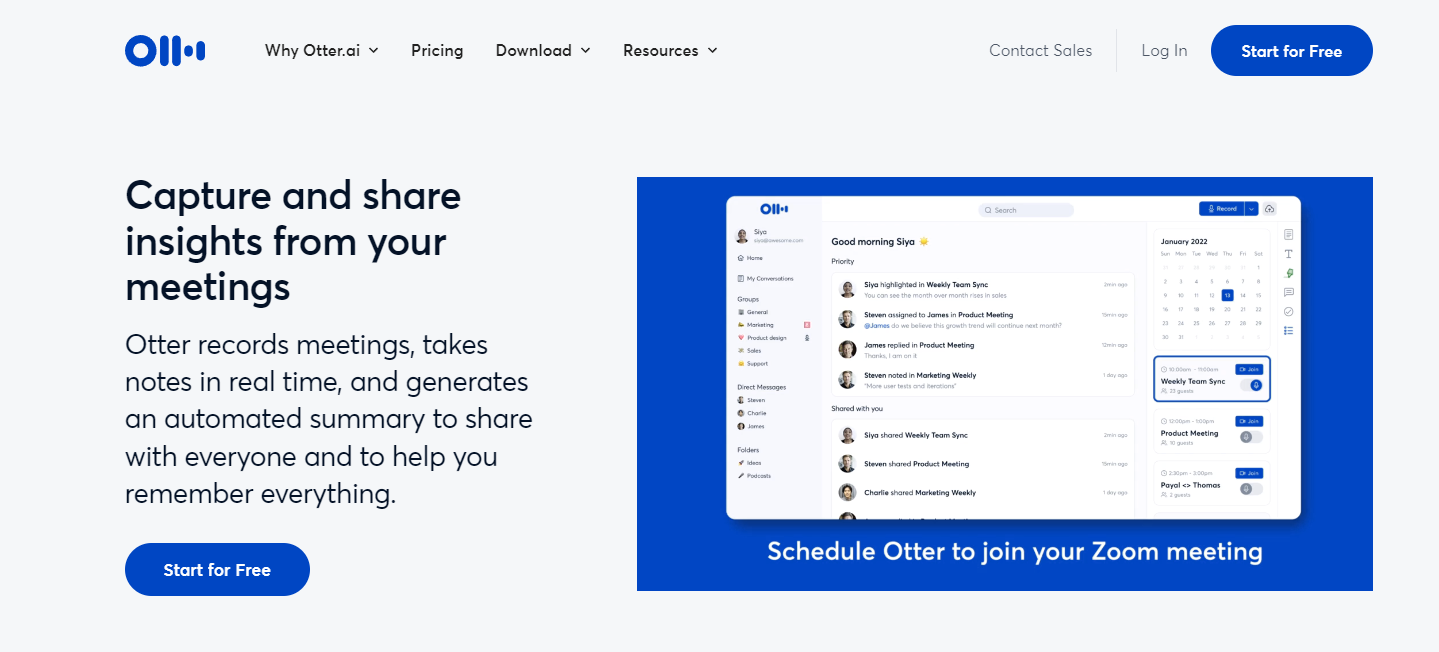
To answer the question of which transcription software is the most accurate, we decided to conduct some research. Using a 3-minute Ted Talk by Derek Sivers, we used the transcribing software to measure the mistakes each one made against the other. Our test showed that the most accurate transcription software was Otter, followed by Sonix and Rev.
Otter only made three mistakes in the transcript, two of which were misplaced periods and a misspelling of the name Wera Muhler — a mistake that every other transcription software made. However, Otter managed to spell the name Peter Gollwitzer correctly, a feat none of the other transcription software managed.
Sonix followed closely behind with four mistakes, one misplaced period, one missing word and misspellings of the names Wera Muhler and Peter Gollwitzer. These mistakes can be rectified with a custom glossary, which Sonix includes.
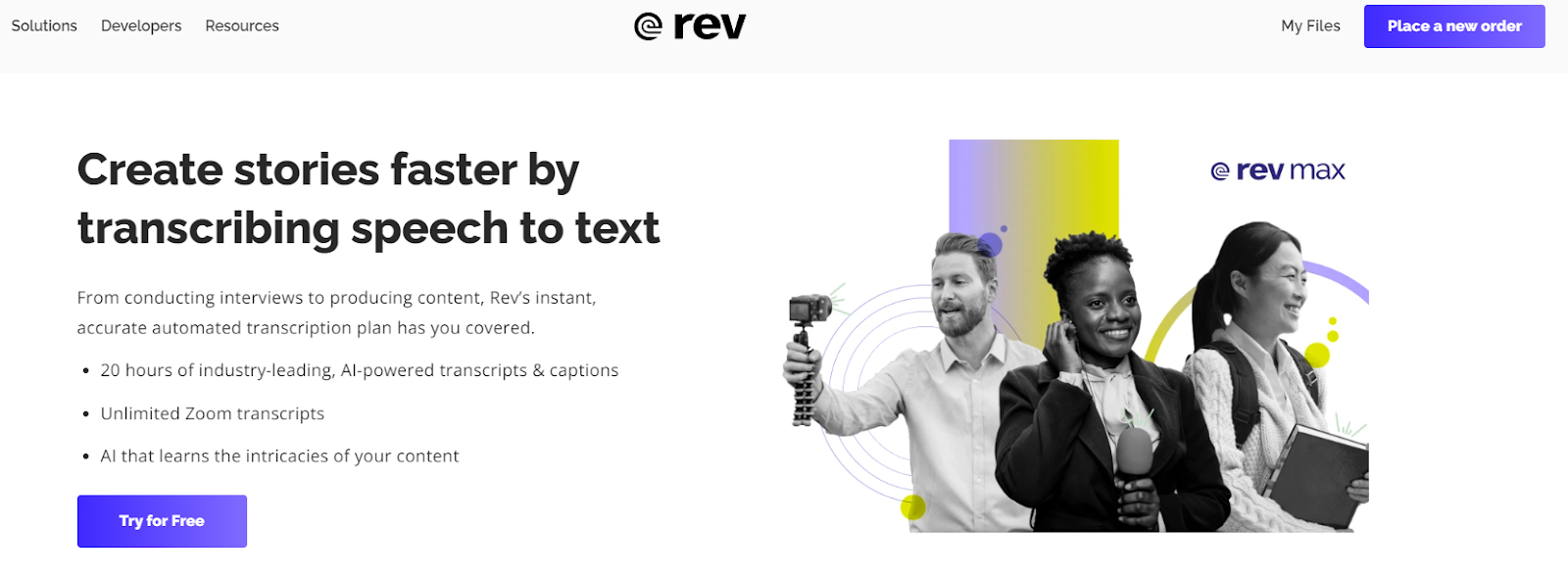
Rev made five mistakes. Like Sonix, it misspelled both names, had two misplaced periods and accidentally confused “and their” with “in their”. Overall, each transcription was more than 99% accurate.
Although Otter is the most accurate transcription software, the most accurate transcriptions are still being done with human ears, a point that sites like Sonix and Rev are quick to point out. Otter still managed a very impressive feat for a piece of transcription software.
Final Thoughts
Transcription software is a useful tool for just about any organization, but doubly so for publications and newsrooms that rely on quotes, press conferences and interviews.
This is especially true in the post-pandemic era where many publications have moved to perform interviews and in-house meetings through software such as Zoom and Google Meets. Real-time transcription software is a useful tool for keeping up to date with what’s being said and generating actionable meeting summaries.
Many of these transcription software have free trials, so it’s worth checking out what they’re like and how accurate they are for your workflow.
FAQs
What Is Transcription Software?
Transcription software uses AI to turn the speech in audio or video files into text. The programs export these texts in documents, usually a Microsoft Word file or a pdf.
What Is Audio and Video Transcription?
Video and audio transcription refers to turning speech found in either an audio or video file and turning it into text.
How Long Does It Take to Transcribe One Hour of Audio?
In general, it usually takes a human one hour to transcribe 15 minutes of text, so one hour of audio from a person takes on average four hours. For automated transcription, the average time is half the length of the audio.
What Is the Best Way to Transcribe Audio?
The best way to transcribe audio accurately is to order a transcription from a human being. However, the best way to receive a transcription quickly is to use automatic transcription.